
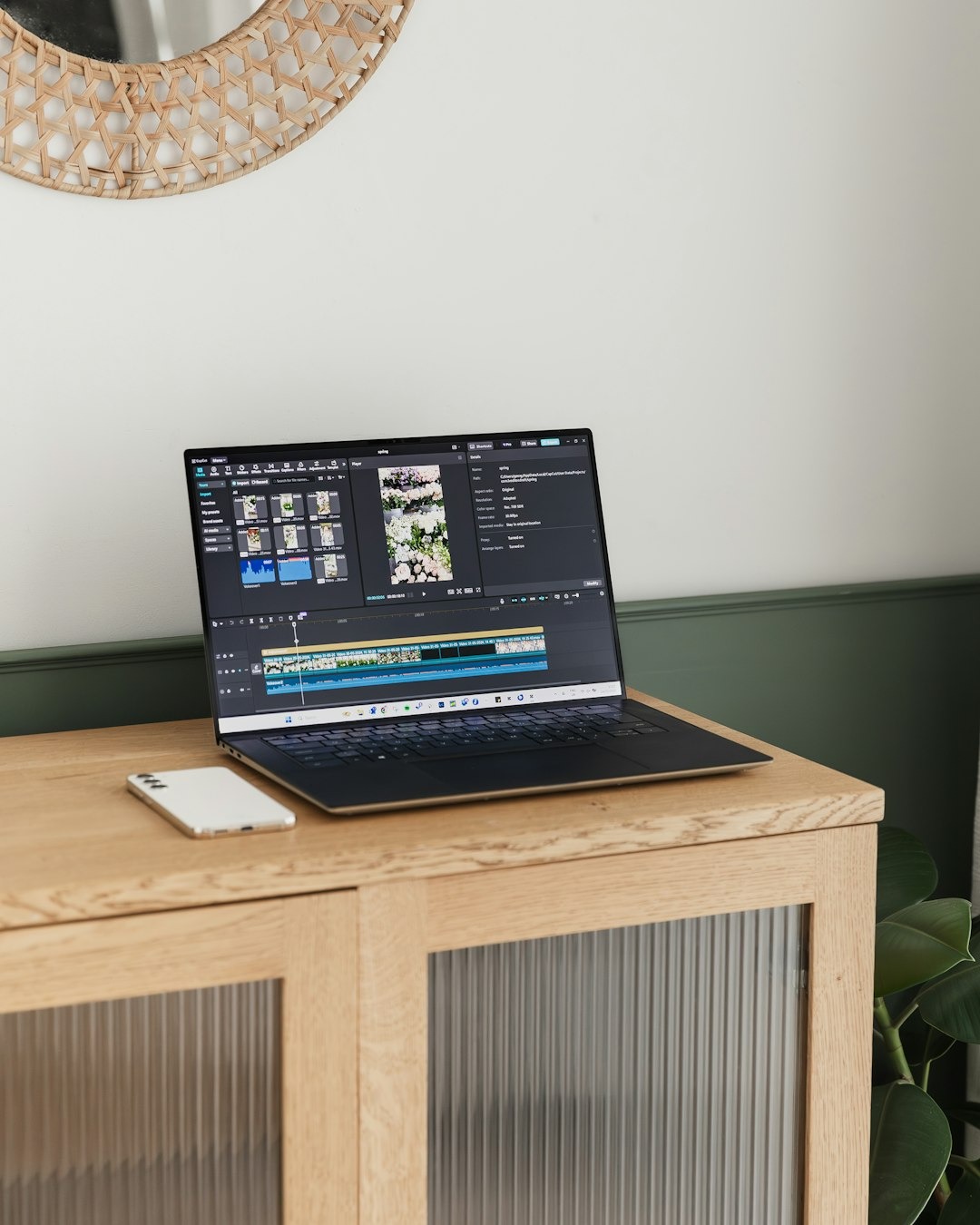
After more than 9 years working in social media, I’ve used many editing tools – from advanced desktop software to mobile-first apps.
When I started creating UGC content, I needed an editor that was fast, flexible, and intuitive, without sacrificing quality.
That’s when CapCut became part of my daily workflow.
In this article, I’ll share how I actually use CapCut as a UGC and content creator, what it’s best for, and where it fits into a professional content process.
Why CapCut Works for UGC Content
UGC content has very different requirements than traditional branded videos.
It needs to:
- feel natural and native to platforms
- be quick to produce
- allow easy iteration and testing
- still look clean and intentional
CapCut fits this perfectly.
For me, CapCut works because it removes friction between idea → edit → publish.
I don’t need to over-edit.
I need clarity, speed, and control.
My CapCut Workflow as a UGC Creator
1. Editing With Structure in Mind
Before opening CapCut, I already know:
- the hook
- the key message
- the result or takeaway
CapCut supports this way of working because the timeline is simple and visual.
I can quickly trim clips, adjust pacing, and build a clean flow without getting lost in technical settings.
This matters in UGC, where attention and rhythm are more important than effects.
2. Text & Captions (Minimal, Purposeful)
I use CapCut’s text features for:
- short hooks
- simple clarifying lines
- subtle emphasis
I avoid heavy animations.
In UGC, text should:
- support the message
- not compete with it
- feel native to TikTok / Reels
CapCut makes this easy without pushing the edit into “overproduced” territory.
3. Speed for Testing & Variations
One of the biggest advantages of CapCut is how fast it allows me to:
- duplicate projects
- test different hooks
- adjust pacing
- create variations for the same video
This is essential for:
- UGC testing
- ads
- brand content iterations
Speed is a strategic advantage.
CapCut Templates – How I Use Them (and When I Don’t)
CapCut templates can be useful, but I don’t rely on them heavily.
I use templates mainly for:
- inspiration
- understanding current platform pacing
- quick tests
For brand-facing UGC, I usually prefer custom edits to ensure the content:
- matches brand tone
- doesn’t look generic
- feels intentional
Templates are a tool – not a shortcut.
What CapCut Is Best For (and What It’s Not)
CapCut is great for:
- UGC videos
- short-form content
- TikTok, Reels, Shorts
- creator-style brand content
- fast iterations
CapCut is not ideal for:
- long-form cinematic edits
- complex color grading
- heavy motion graphics
Knowing this keeps expectations realistic and professional.
Why Brands Like UGC Edited in CapCut

From a brand perspective, CapCut-edited UGC works because:
- it feels native to platforms
- it doesn’t look overly polished
- it matches how users consume content
When structure and intention are right, the tool becomes invisible – and that’s exactly what good UGC should do.
CapCut isn’t powerful because it has the most features.
It’s powerful because it supports clarity, speed, and intention.
As a UGC and content creator, that’s what matters most.
The tool doesn’t replace strategy – it supports it.
Leave a Reply